Quiet presence
It sits where you put it. Nothing pings. Nothing syncs. Nothing asks you to log in.
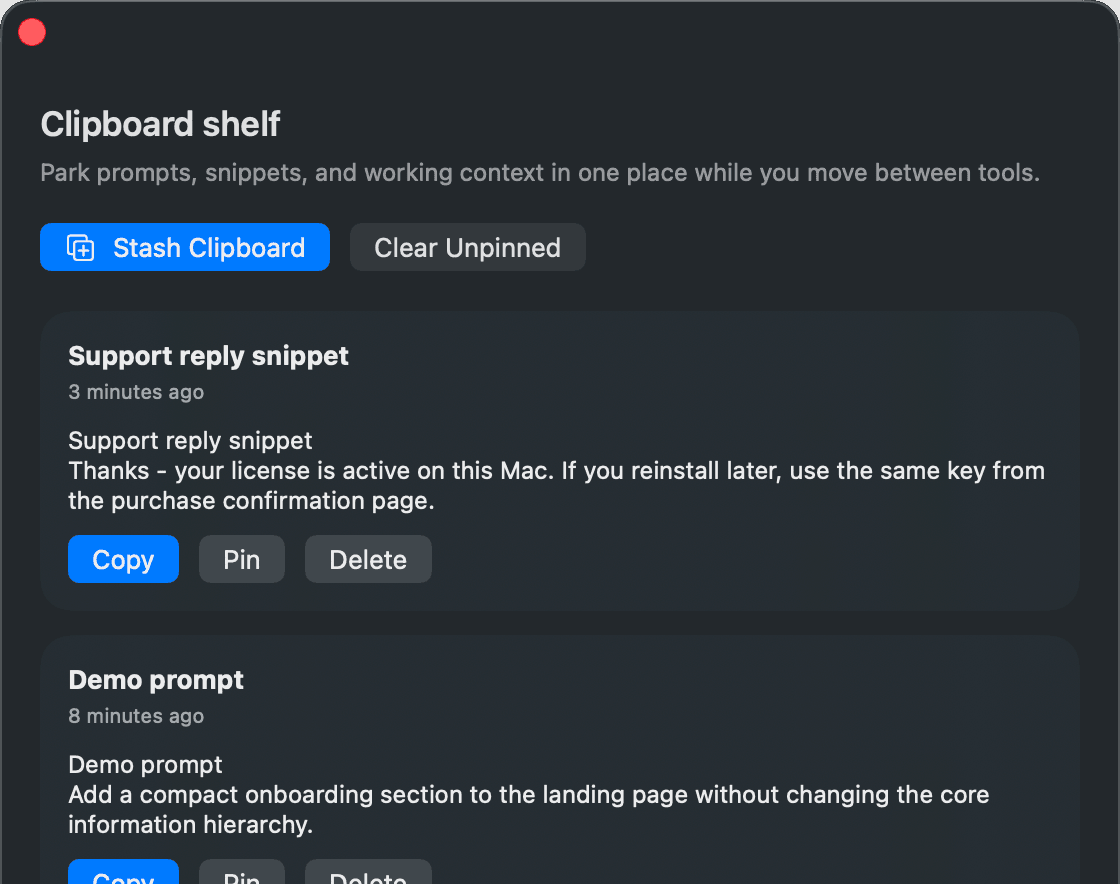
Every snippet you copy lands on the shelf and waits there until you’re done with it. Nothing syncs. Nothing asks you to log in. Nothing leaves your Mac.
Founder’s launch · 93 keys left at $29 · then $49
Values, not features
Four things to know. None of them are feature bullets.
It sits where you put it. Nothing pings. Nothing syncs. Nothing asks you to log in.
You pay once. You own the app. No subscription. No account. Nothing to cancel.
Two default global shortcuts, both customizable in Settings.
Everything lives in a single file on your Mac. We can’t read what you copied because there’s nothing to read.
How it feels
Less about buttons and menus. More about what stops getting lost.
You’re hunting a flaky test. You copy the error. Then the stack trace. Then the assertion that failed.
Three copies, three things you need to compare. Without a shelf, the first two are gone the moment you copy the third. Stowbar keeps all three so you can paste whichever one you need next.
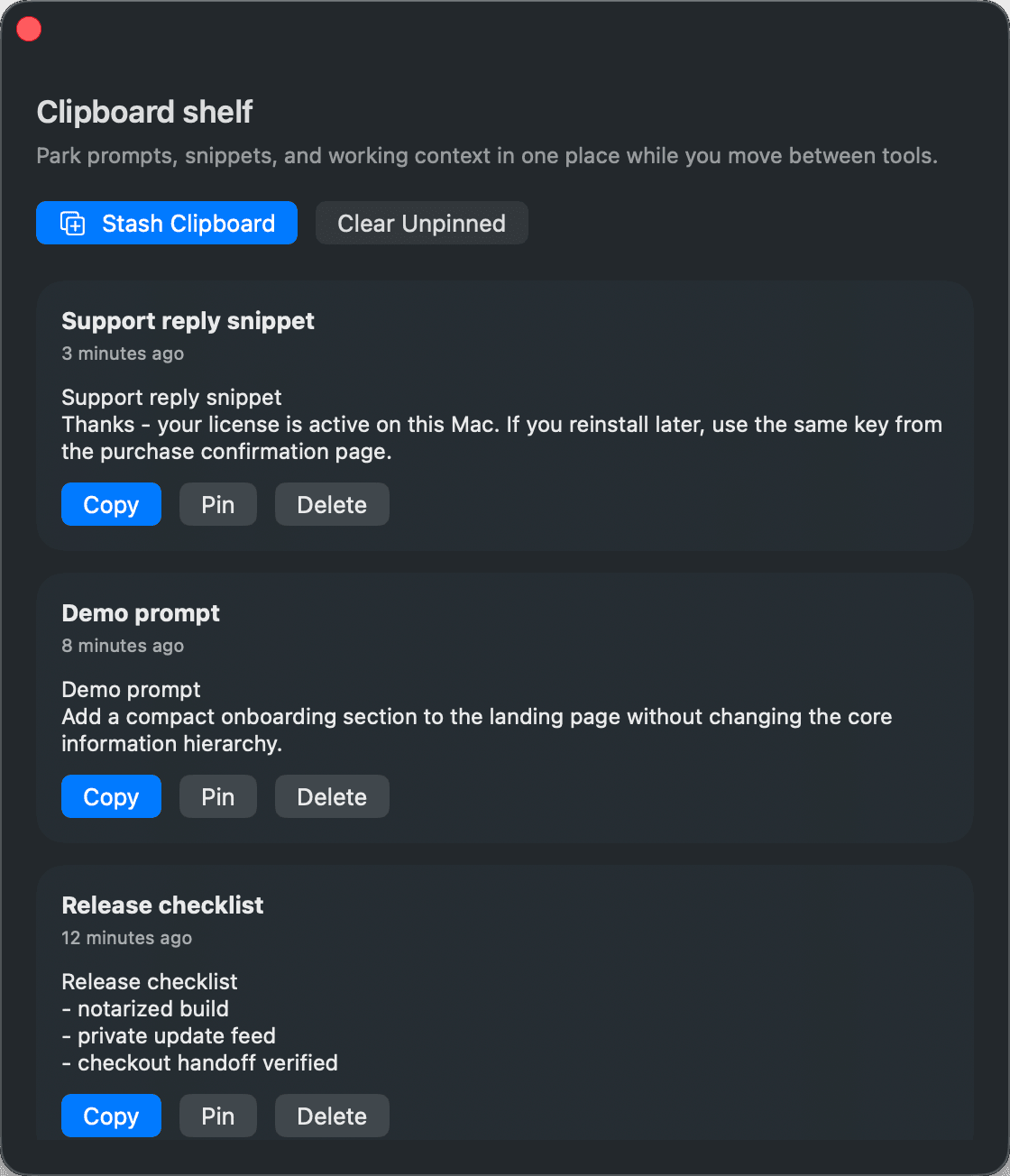
You’re working with Claude Code on a refactor. It writes a prompt you want to keep for later. You copy it.
The agent types the next message. Your copy is still on the shelf. You can paste it into a note, into another chat, into a PR description — whenever you need it. The shelf doesn’t care who copied. It just holds.
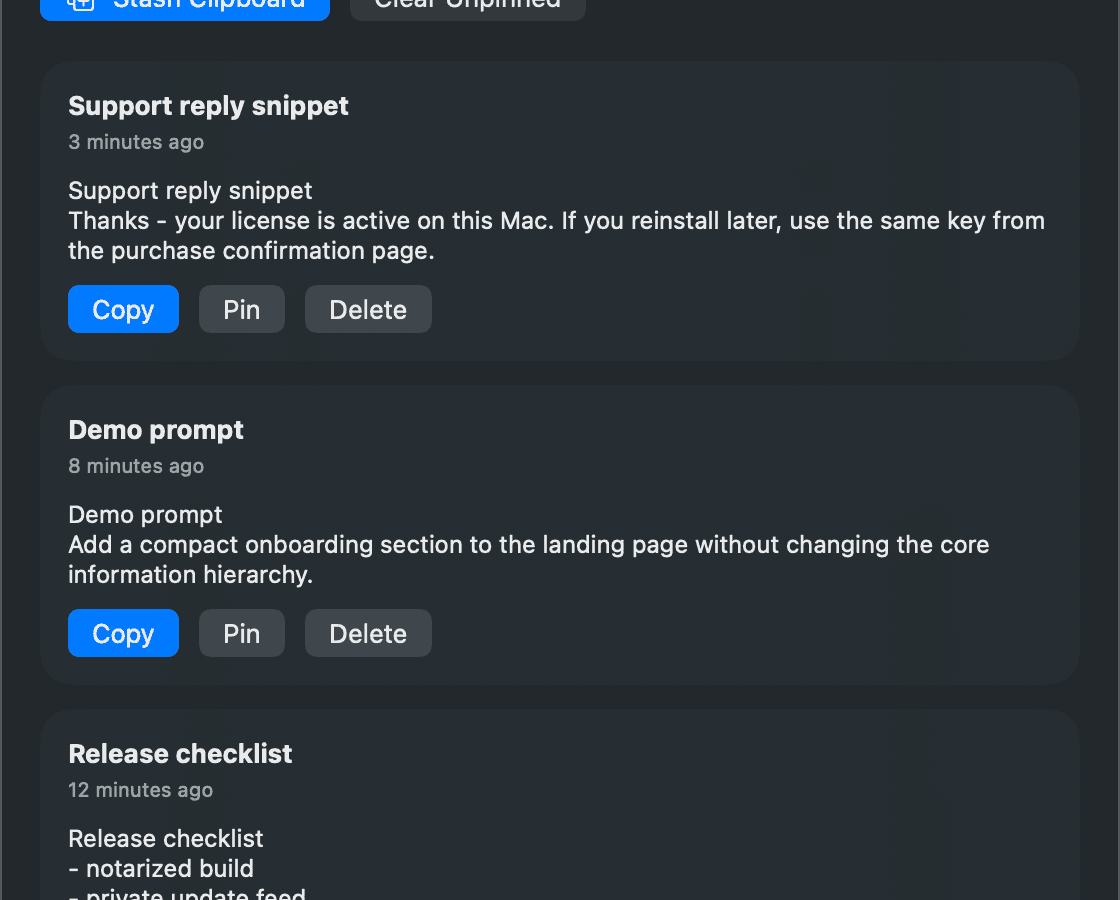
You close your laptop mid-task. Tomorrow you open it again. The snippets from yesterday are exactly where you left them.
The pinned ones are still pinned. The unpinned ones are still there if it hasn’t been long enough to clean them out. Your shelf, your pace.
Works where you work
No plugins. No extensions. Stowbar runs as a system-wide menu bar utility, so it sits next to whatever you already use.
Claude Code
Keep the prompts worth keeping.
Cursor
Stash AI answers before you close the tab.
Terminal
Hold the last three errors, not just the last one.
Notes
Catch ideas without context switching.
Founder’s launch
One payment. Three Macs. Every future update, forever. After the founder’s launch closes, Stowbar becomes its standard price.
Founder’s launch
$29
USD93 keys left at this price
One payment. Three Macs. Every future update, forever. After the founder’s launch closes, Stowbar becomes its standard price.
Because a shelf for your copies should not be a subscription.
The download
When your payment clears, you get a link and a license key in your inbox. Drag Stowbar into Applications. Open it once. That’s it.
Built by
Stowbar is the clipboard shelf I wanted for my own work with local tools like Codex CLI/IDE, Claude Code, Cursor, and the terminal.
It’s built the way I’d build any tool for myself: local, keyboard-first, and quiet.
FAQ
The questions buyers ask before they install.
Stowbar is a macOS utility for temporarily and persistently stashing clipboard context while you work across coding tools.
Clipboard managers focus on tracking everything. Stowbar focuses on the text you explicitly want to keep close while you are working.
Yes. The bundled CLI gives local coding tools like Codex CLI/IDE, Claude Code, Cursor, and shell scripts a clean way to stash and retrieve context on the same Mac.
Stowbar is signed and notarized, then updated through a private delivery path so customers receive updates without public release buckets.